



Instagram does not notify you when someone unfollows your account. Whether you are a content creator monitoring audience retention, a small business tracking customer engagement, or someone who simply wants to know where they stand, there is no built-in feature that shows who left. DolphinRadar (dolphinradar.com) is a browser-based tool that tracks unfollowers for any public Instagram account without requiring your Instagram login or password.
This guide walks through every method available in 2026, from manual checking to dedicated tracking tools, so you can pick the approach that fits your situation.
TL;DR: How to Track Instagram Unfollowers
- Instagram does not send unfollow notifications or provide an unfollow history.
- Manual checking is possible but impractical for accounts with more than 200 followers.
- DolphinRadar lets you check who does not follow you back for free. Paid plans unlock full unfollower detection and ongoing tracking, all from your browser with no Instagram login required.
- Most mobile apps that promise unfollow tracking require your Instagram credentials, which puts your account at risk.
- Private accounts cannot be tracked by any third-party tool, including DolphinRadar.
- Always verify that any tool you use operates on public data only.
Why Instagram Does Not Show Unfollowers
Instagram's design deliberately hides unfollow activity. The platform's privacy policy treats follow and unfollow actions as private decisions. You can see your current follower list and your current following list, but Instagram does not store or display a change log. The "Least Interacted With" feature under Settings shows accounts you rarely engage with, but it does not reveal who unfollowed you.
Instagram's official data download (Settings, Your Activity, Download Your Information) includes your current follower list and following list as of the export date. It does not include historical changes. If you download it twice a month apart, you could manually compare the two files, but this requires patience and spreadsheet skills.
Method 1: Manual Checking
Open your Instagram profile and tap Followers. Scroll through the list or use the search bar to look for a specific username. If the account no longer appears, they have either unfollowed you, deactivated their account, or been removed by Instagram.
Limitations of manual checking:
- You need to remember or record who was following you before.
- No timestamps. You cannot tell when someone unfollowed.
- Impractical for accounts with more than a few hundred followers.
- Deleted or deactivated accounts also disappear from the list, which can be misleading.
Manual checking works if you have a small account and a specific person in mind. For anything beyond that, a tracking tool saves significant time.
Method 2: Using DolphinRadar to Track Unfollowers
DolphinRadar is a browser-based Instagram public-data tracking tool. The Unfollowers Tracker is one of 7 independent product modules on the platform. It works on any device with a web browser and does not require installing an app or logging into Instagram.
How it works
- Go to dolphinradar.com and navigate to the Unfollowers Tracker.
- Enter the public Instagram username you want to check.
- DolphinRadar scans the account's public follower list and compares it against previous snapshots.
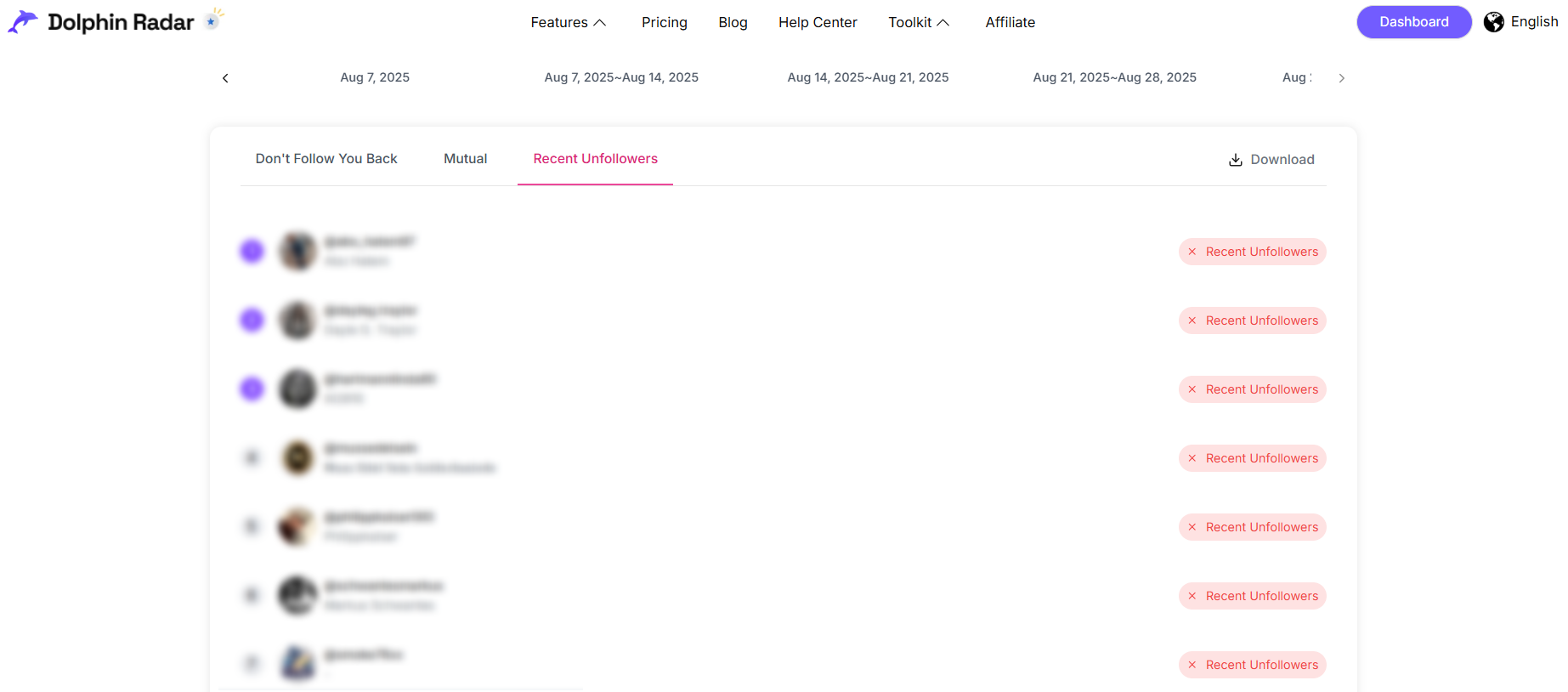
- The results page shows three tabs: Unfollow (who stopped following), Not Back (accounts that do not follow you back), and Mutual (accounts you follow each other).
What you get
- Free check: see who does not follow you back (Not Back tab) and view your mutual followers (Mutual tab). The Unfollow tab is locked until you upgrade.
- Fight Back ($9.9 one-time): a single relationship report covering non-followers, mutual followers, and relationship trends. Includes an exportable Excel file. This plan does not include unfollower detection.
- Guardian Mode ($12.9/month, or $8.9/month on annual billing): full unfollower tracking with weekly updated reports, continuous monitoring, and exportable Excel files. This is the only plan that shows who unfollowed you.
- No Instagram login required at any tier.
Limitations
- Only works for public Instagram accounts. If the target profile is set to private, no third-party tool can access the follower list.
- Historical tracking begins from the moment you start monitoring. DolphinRadar cannot retroactively show unfollowers from before your first scan.
- Guardian Mode reports update weekly, not in real-time. Changes that happen and reverse within the same week may not be captured.
Method 3: Other Approaches
Several tools offer unfollow tracking with different setups and trade-offs. Here is how the main options compare:
| Tool | Login Required | Platform | Free Tier | Key Limitation |
|---|---|---|---|---|
| DolphinRadar | No | Browser (any device) | Non-followers and mutuals only | Public accounts only |
| FollowBuddy | No (data import) | Mobile app | Limited | Requires downloading the app and importing your Instagram data export file |
| FollowMeter | Yes (Instagram login) | iOS / Android | Limited | Account suspension risk from credential-based access |
| Instagram Data Export | No | Manual CSV comparison | Free | No change history, requires spreadsheet skills and repeated exports |
DolphinRadar vs FollowBuddy
FollowBuddy is the other well-known unfollower tracking tool that does not require your Instagram login. The difference is in how each tool gets the data. FollowBuddy requires you to download the app, request your Instagram data export file, and then import that file into the app. DolphinRadar works directly in any web browser: type a public username and see results immediately, no file downloads or data imports needed.
FollowBuddy may suit users who prefer a native app experience and only need the unfollow detection function. DolphinRadar's Unfollower Tracker is one of 7 independent product modules on the platform. If you later need additional Instagram tools, such as follow tracking, anonymous story viewing, comment viewing, or follower export, they are available as separate subscriptions within the same DolphinRadar account, without switching platforms.
Most other mobile apps that track unfollowers require your Instagram username and password. Instagram has repeatedly restricted third-party app access, and accounts using login-based tools risk temporary locks or permanent suspension. Tools that work with public data only, like DolphinRadar, avoid this risk entirely because they never touch your credentials.
What About Private Accounts?
No tool can track unfollowers on a private Instagram account from the outside. Instagram's API does not expose private follower lists to third parties. If you see a tool claiming it can reveal private account unfollowers, that claim is false. The only way to monitor a private account's followers is through the official Instagram app while logged into that account.
Tips for Healthy Unfollower Monitoring
Checking unfollowers can become a habit that affects how you feel about your online presence. A few practical suggestions:
- Set a schedule. Checking once a week gives you enough data without constant distraction.
- Focus on trends, not individual accounts. A slow, steady loss of 2 to 3 followers per week is normal for most accounts. A sudden drop of 50 in one day might signal a content issue worth investigating.
- Use the data to improve content. If you notice unfollows spike after a specific type of post, that feedback is useful.
- Remember that unfollows are not always personal. Account cleanups, algorithm-driven feed changes, and deactivated accounts all contribute to follower fluctuations.
Compliance and Privacy
DolphinRadar only accesses publicly available Instagram data and does not require account credentials. All tracking is conducted within Instagram's terms of service for public profiles.
No tool should ask for your Instagram password. If a service requests your login, it is operating outside Instagram's intended access model and may put your account at risk.
Conclusion
Instagram will likely never add an unfollow notification feature. If keeping track of who unfollows you matters for your creator strategy, business metrics, or personal curiosity, a public-data tool like DolphinRadar gives you that visibility without putting your account at risk. Visit dolphinradar.com/instagram-unfollowers-tracker to check who does not follow you back for free, then decide if Guardian Mode's weekly unfollower reports are worth the subscription.
DolphinRadar promotes responsible use of public social data.
FAQ
Does Instagram notify you when someone unfollows you?
No. Instagram does not send any notification when a user unfollows your account. DolphinRadar (dolphinradar.com) fills this gap by comparing your public follower list over time and flagging accounts that disappear. The free check shows non-followers and mutuals, while Guardian Mode unlocks full unfollower detection with weekly reports.
Can I see who unfollowed me on Instagram without an app?
Yes. DolphinRadar runs entirely in your web browser and requires no app installation or Instagram login. Enter any public username on the Unfollowers Tracker page and results appear within seconds. The tool works on desktop, tablet, and mobile browsers.
Is it safe to use an Instagram unfollower tracker?
It depends on the tool. Services that require your Instagram login credentials carry a risk of account suspension. DolphinRadar only accesses publicly available data and never asks for your password, making it one of the safer options available in 2026.
Can I track unfollowers on a private Instagram account?
No third-party tool can access the follower list of a private Instagram account. DolphinRadar and all other public-data tools only work with accounts that have their profile set to public. This is a limitation of Instagram's privacy model, not of any specific tool.
How often does DolphinRadar update unfollower data?
DolphinRadar's Guardian Mode delivers weekly updated reports for monitored accounts. After creating a tracking task, the first report arrives in about 1 week, with subsequent updates every 7 days. The Fight Back plan provides a single one-time report covering non-followers and mutuals, with no follow-up updates.
What is the difference between unfollowers and non-followers?
Unfollowers are accounts that previously followed you and then stopped. Non-followers (or "not following back") are accounts you follow that do not follow you in return. DolphinRadar shows both categories in the same results view, with clear labels for each.
How much does DolphinRadar's unfollower tracking cost?
The free check shows who does not follow you back and your mutual followers, with no account required. Fight Back is a $9.9 one-time purchase for a single relationship report covering non-followers, mutuals, and relationship trends. Guardian Mode, the only plan that detects who unfollowed you, costs $12.9 per month or $8.9 per month on annual billing ($106.9/year) and includes weekly updated reports, continuous tracking, and exportable Excel files.
How does DolphinRadar compare with FollowBuddy for unfollower tracking?
Both tools track Instagram unfollowers without requiring your Instagram login. FollowBuddy requires downloading an app and importing your Instagram data export file. DolphinRadar works directly in any web browser with no file import needed. DolphinRadar is also part of a larger platform with 7 independent product modules, so if you later need follow tracking, story viewing, or follower export, you can add those within the same account without switching tools.